
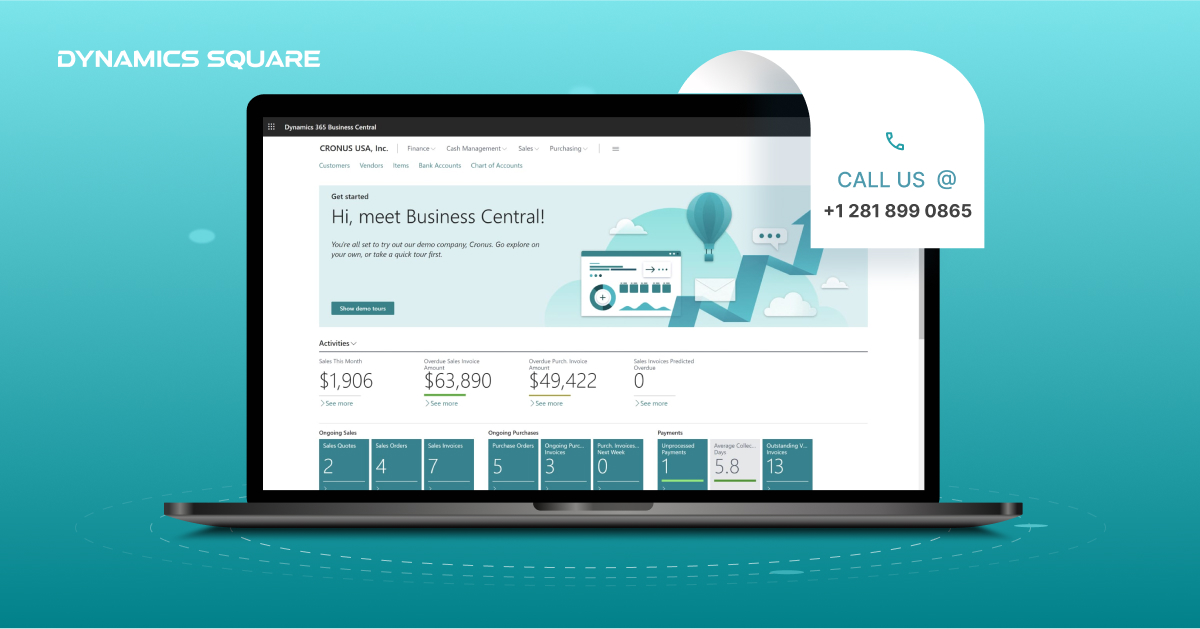
In the ever-evolving landscape of enterprise solutions, businesses must continuously adapt to stay competitive. For organizations currently utilizing Microsoft Dynamics NAV 2009, a strategic move to Dynamics 365 Business Central is not just an upgrade—it’s a transformation.
This blog will guide you through the process, shedding light on the nuances of transitioning from Dynamics NAV 2009 to Business Central.
Understanding the Need for Upgrade
Embracing Modernity
Dynamics NAV 2009 served businesses well in its time, but technology waits for no one. Business Central offers a modern, cloud-based solution that enhances scalability, flexibility, and collaboration. Upgrading is not merely about keeping up with the times; it’s about future-proofing your business.
Seizing New Features
One of the key benefits of upgrading is gaining access to an array of features and functionalities that Business Central brings to the table. From improved reporting and analytics to seamless integration with Microsoft 365, the upgrade opens doors to enhanced productivity and efficiency.
Planning Your Upgrade Journey
Engaging a Dynamics 365 Partner
A successful transition requires expertise, and partnering with a Dynamics 365 specialist is crucial. A certified Dynamics 365 partner brings not only technical proficiency but also a deep understanding of business processes. This partnership ensures a smooth transition and minimizes disruptions to your operations.
Dynamics 365 Implementation Roadmap
Creating a detailed implementation roadmap is fundamental to a successful upgrade. This involves a comprehensive analysis of your existing Dynamics NAV 2009 setup, identifying customizations, and defining data migration strategies.
A well-thought-out plan minimizes downtime and ensures a phased transition that aligns with your business priorities.
Addressing Customizations and Integrations
Chances are your Dynamics NAV 2009 solution has been tailored to meet specific business needs. Evaluating and addressing these customizations during the upgrade is crucial. A Dynamics 365 partner can help assess the impact of customizations, providing recommendations for a seamless integration into Dynamics 365 Business Central.
The Dynamics 365 Upgrade Process
Data Migration Strategies
Migrating data from Dynamics NAV 2009 to Business Central is a critical aspect of the upgrade process. A meticulous approach involves cleaning and validating data, ensuring accuracy and completeness. This step is pivotal for a smooth transition, preventing data inconsistencies that could hinder day-to-day operations.
User Training and Change Management
Introducing a new system requires effective change management. User training is essential to ensure your team can leverage the full potential of Business Central. A Dynamics 365 partner can facilitate training sessions, empowering your workforce to adapt quickly and maximize productivity from day one.
Dynamics 365 Support Post-Upgrade
The journey doesn’t end with the upgrade; it’s an ongoing process. Ensuring continuous support is vital for addressing any post-implementation challenges and optimizing the use of Business Central. A Dynamics 365 support plan provides a safety net, guaranteeing quick resolutions to potential issues.
Leveraging the Benefits of Business Central
Cloud Advantage
Business Central’s cloud-based architecture offers unparalleled flexibility, enabling your team to access critical business data anytime, anywhere. This not only fosters collaboration but also reduces infrastructure costs associated with on-premises solutions.
Enhanced Reporting and Analytics
Say goodbye to siloed data. Business Central’s robust reporting and analytics tools provide real-time insights into your business performance. From financial reporting to operational analytics, these features empower decision-makers with accurate information for strategic planning.
Seamless Integration with Microsoft 365
The integration between Business Central and Microsoft 365 is a game-changer. Your team can effortlessly switch between applications, streamlining workflows and enhancing productivity. This synergy creates a unified digital ecosystem that drives efficiency across your organization.
Conclusion
Upgrading from Dynamics NAV 2009 to Business Central is not just a technological shift; it’s a strategic move toward future success. Engaging a Dynamics 365 partner, meticulous planning, and a phased implementation approach are the pillars of a successful transition.
Embrace the benefits of Business Central—cloud advantage, enhanced reporting, and seamless integration—to propel your business into a new era of efficiency and growth.
In the dynamic world of business solutions, staying ahead requires not just adaptation but innovation. Elevate your business with the power of Dynamics 365 Business Central and unlock a new realm of possibilities.